
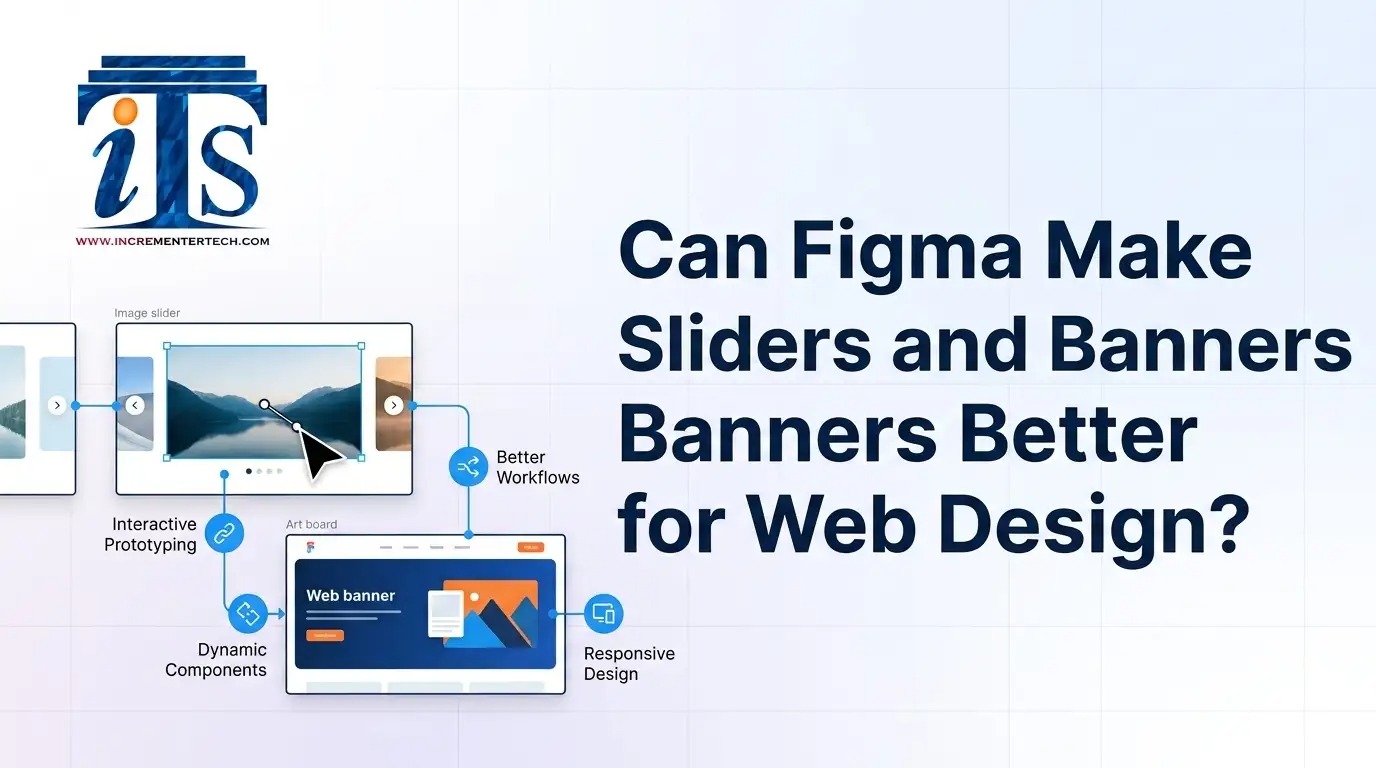
Can Figma Make Sliders and Banners Better for Web Design?
Sliders and banners help websites present promotions, products, services, and key messages clearly. What are sliders and banners in web design? They are visual interface elements that guide attention and improve content discovery. With Figma, designers can create responsive layouts, test visual hierarchy, and build consistent website banner designs before development.
What Are Sliders and Banners in Web Design?
Sliders display multiple pieces of content within one interactive area, while banners usually highlight a single message, offer, service, or call to action. Both need strong typography, imagery, spacing, contrast, and responsive behavior.
For businesses working with a custom web design company, Figma provides a practical environment for planning these elements before coding begins.
- Why Are Sliders Important in Website Design?
- Effective sliders can:
- Why Do Website Banners Matter?
- How Does Figma Improve Slider and Banner Design?
- What Makes a Responsive Website Banner Effective?
- A responsive banner should adapt naturally across desktop, tablet, and mobile screens. Businesses planning to hire a designer for responsive website banners should prioritize:
- Figma for Custom Web Design
- How Can Businesses Use Sliders and Banners?
- Common applications include:
- Conclusion
- Frequently Asked Questions (FAQs)
- What are sliders and banners in web design?
- Sliders rotate multiple visual messages in one interface area, while banners generally display a focused promotional, informational, or branding message.
- Are sliders still useful for modern websites?
- Yes, when used strategically. A slider can organize several important messages, but excessive slides or distracting animations can reduce usability.
- Can Figma create responsive website banners?
- Figma can help designers plan responsive banner layouts, create different screen-size versions, prototype interactions, and collaborate with developers before implementation.
- Why hire a custom web design company for banner design?
- A professional team can align banners with brand identity, UX principles, responsive requirements, conversion goals, and the website's overall design system.
● Highlight multiple products or services.
● Present important announcements.
● Support promotional campaigns.
● Direct visitors toward specific landing pages.
● Improve content visibility without adding excessive page length.
A well-designed banner communicates its purpose quickly. A professional website banner design company for Figma can create layouts that combine branding, visual hierarchy, readable copy, imagery, and prominent calls to action.
Figma supports collaborative interface design and helps teams review layouts before development.
| Design Element | Figma Advantage | Website Benefit |
|---|---|---|
| Layout | Flexible frames and grids | Consistent structure |
| Typography | Easy style management | Better readability |
| Responsive design | Multiple screen layouts | Mobile-friendly presentation |
| Prototyping | Interactive previews | Easier usability testing |
| Collaboration | Shared design workspace | Faster feedback |
1. Clear messaging: Keep the primary message immediately understandable.
2. Strong visual hierarchy: Make headlines and CTAs easy to identify.
3. Responsive composition: Prevent images or text from becoming distorted.
4. Brand consistency: Use appropriate fonts, colors, imagery, and spacing.
5. Focused CTA: Give visitors a clear next action.
A custom web design company can use Figma to develop reusable banner components, slider variations, responsive layouts, and interactive prototypes. This approach helps designers and developers maintain consistency throughout a website.
For Incrementer Technology, led by Rahul Mishra, Figma-based planning can connect visual design decisions with broader web-development objectives, creating interfaces that are both attractive and practical.
● E-commerce product promotions
● Service highlights
● Seasonal campaigns
● New product announcements
● Event promotions
● Homepage introductions
● Lead-generation campaigns
Sliders and banners remain valuable when they solve a clear communication problem rather than simply filling visual space. Figma makes planning easier through responsive frames, reusable components, prototypes, and collaboration. With thoughtful UX and strong visual hierarchy, businesses can create website banners and sliders that support engagement, branding, and conversions across devices.